
Android & iPhone
Ask Aura, in your pocket
Your bookings, your meeting links, your chat and your courses in one place. The website is for reading — the app is where a session actually happens.
What it does
Everything a session needs
Your meeting link, waiting
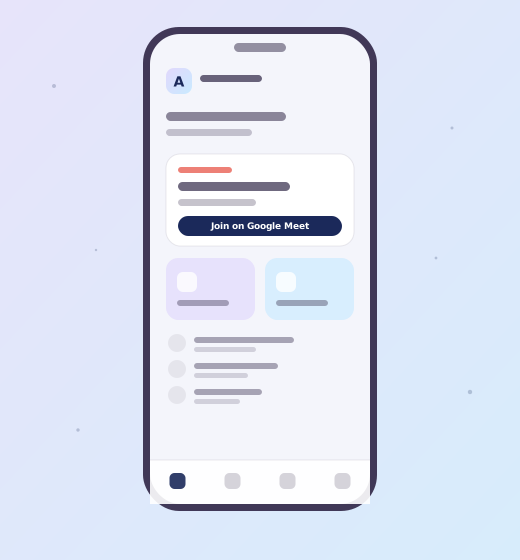
When Gaurav confirms your session the Google Meet link appears against the booking and you get a notification. No hunting through email a minute before you are due.
Chat readings in the app
Chat sessions run here rather than on Meet, so you keep the whole conversation and can read it back afterwards.
Courses that remember where you stopped
Lessons pick up where you left them, on whichever device you opened last.
Your birth details, entered once
Date, time and place are saved to your account, so the second booking takes seconds.
Booking history and receipts
Every session and payment with its reference, so you can quote it if anything needs sorting out.
Delete it all, from inside
Account deletion is in the app under Profile. No email, no waiting on us. How that works.
Website or app?
Both, for different jobs
You do not need the app to book — but you do need it to sit in a chat reading or watch a course.
The website is where you read about the readings, compare prices and get in touch. The app is where your sessions live. Everything you do in one shows up in the other, because they are the same account.
Questions